
Technical writing needs more than rich text
Engineering and research documents often need details that basic document editors treat as edge cases:
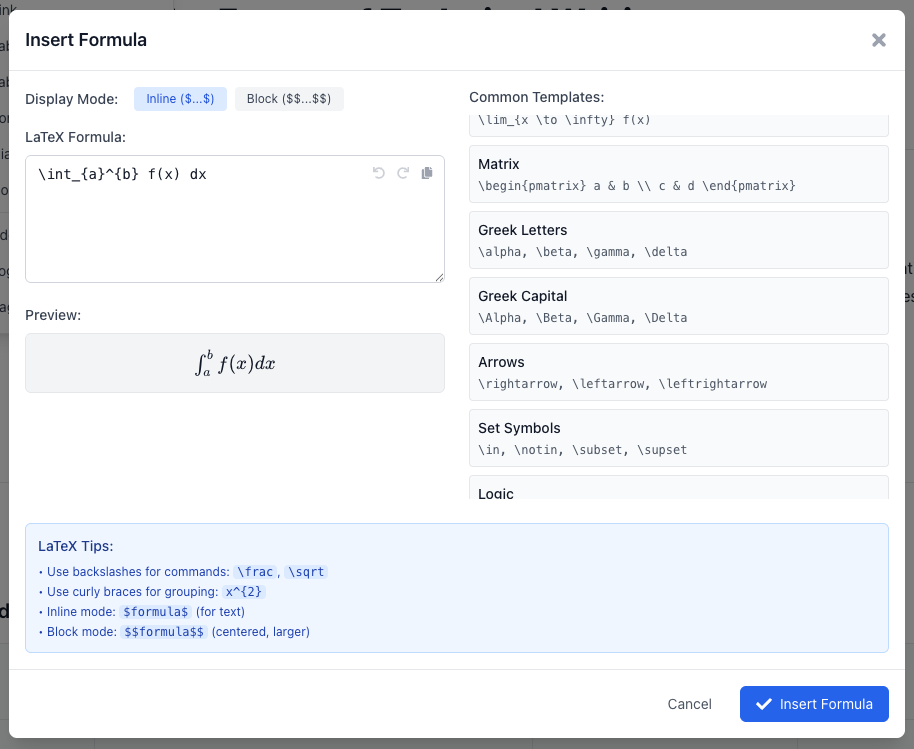
- LaTeX math.
- Mermaid diagrams.
- Code blocks.
- Tables.
- Reusable sections and callouts.
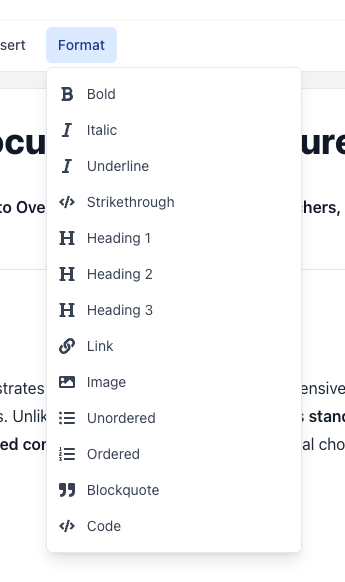
- Exports for docs, slides, or web pages.
GPDoc puts those pieces in the same editing workflow so the source remains readable and reviewable.
Diagrams should live near the work
Architecture diagrams, sequence diagrams, and process flows are easier to maintain when the source is close to the document that explains them. GPDoc supports diagramming workflows that fit technical docs, including Mermaid-based diagrams that can be reviewed as source.
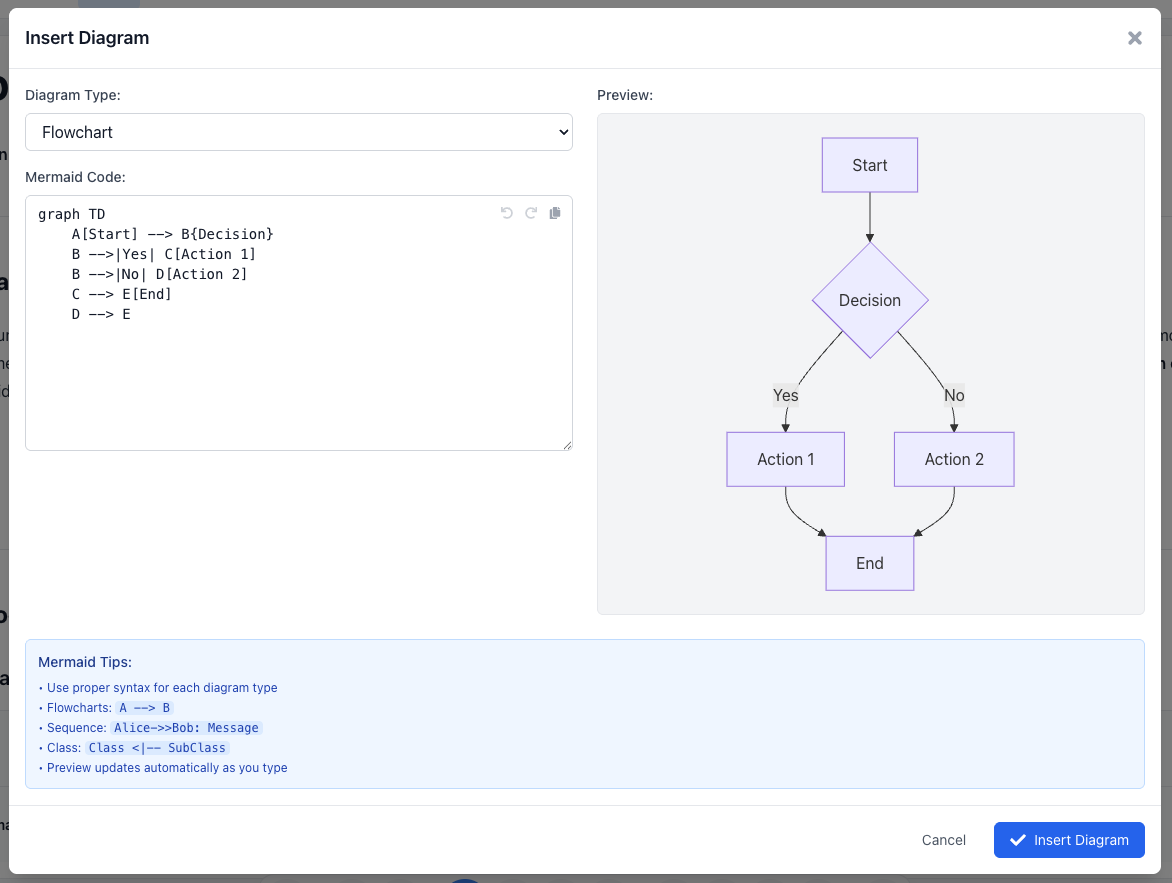
This is not a broad claim that every visual diagramming tool should be retired. GPDoc is strongest when the diagram belongs with the spec, guide, notebook, or published page.
Structure keeps content consistent
Technical teams repeat patterns: API callouts, risk tables, architecture notes, definitions, warnings, and code examples. GPDoc helps teams keep those patterns consistent across documents and outputs.
That matters when a document moves from draft to review to published output. The same content should not need to be restyled in a second tool.
Review the content and the source
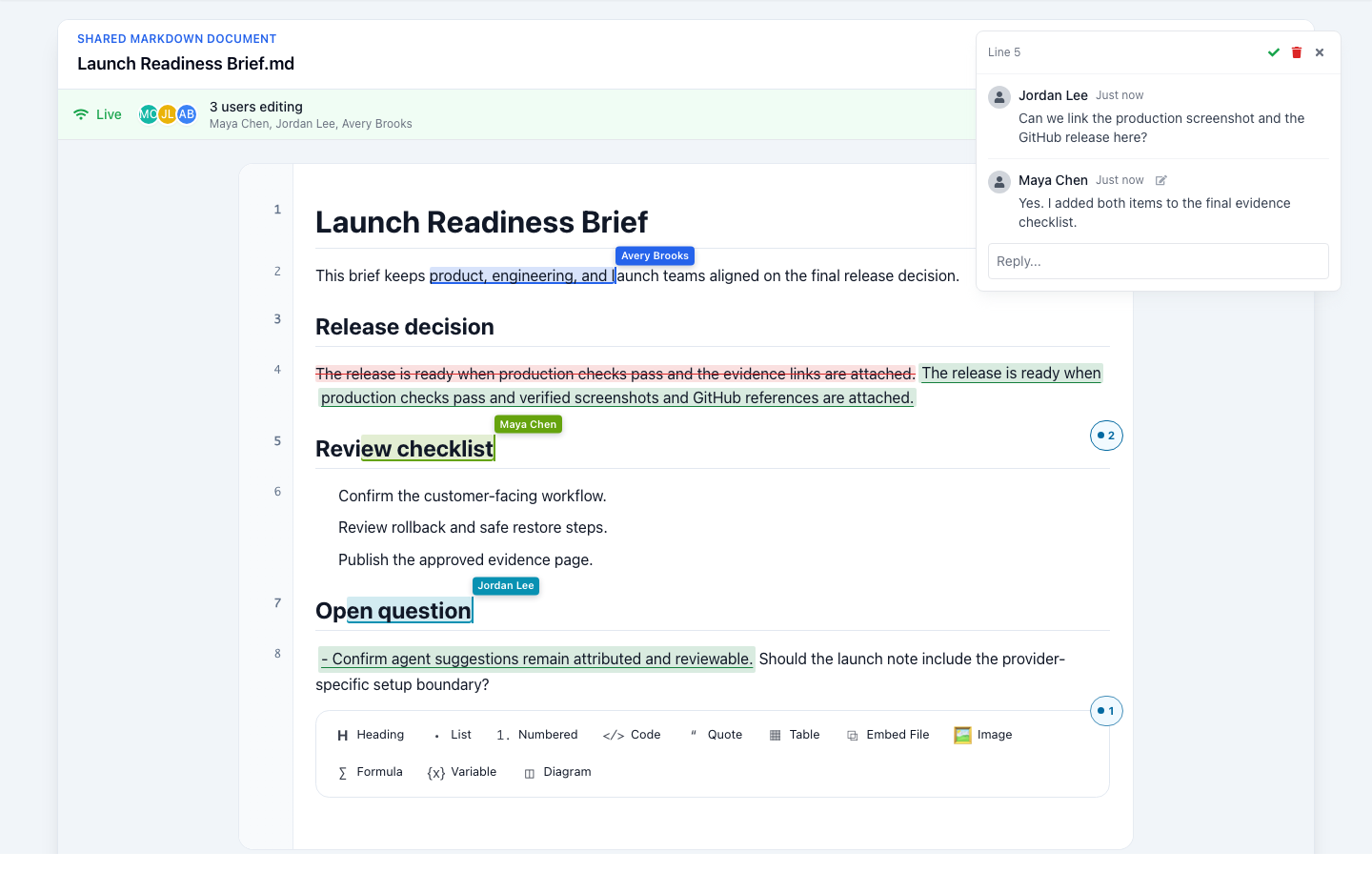
When math, code, and diagrams are part of the source, reviewers can inspect what changed. That is useful for:
- Architecture review.
- Scientific and research notes.
- Developer education.
- Security and compliance docs.
- Customer-facing technical documentation.
Publish without rebuilding the document
The final output may be Markdown, HTML, PDF, slides, or a static site. GPDoc is designed to keep those outputs tied to the reviewed source so the team can revise the content later without starting over.
For a related workflow, see structured documents or technical papers.
Related reading
Read more
Start with a context file AI can work from
Capture the decision, sources, constraints, and next action in one reviewable Markdown file before asking AI to help.
Read articleUse GPDoc with Google Docs and Slides
How technical teams can keep Google Workspace compatibility while moving technical source content into open GPDoc files.
Read articleLocal-file workspaces for technical teams
How GPDoc keeps open source files at the center while separating local editing from network-dependent services.
Read article