
The notebook should not be a side project
Notebooks are useful because code and explanation can live together. They become harder to manage when the notebook sits outside the rest of the documentation workflow.
GPDoc treats notebooks as part of the same workspace as documents, slides, scripts, diagrams, and publishing. A notebook can start as analysis, become a written explanation, and feed a training deck or published guide.

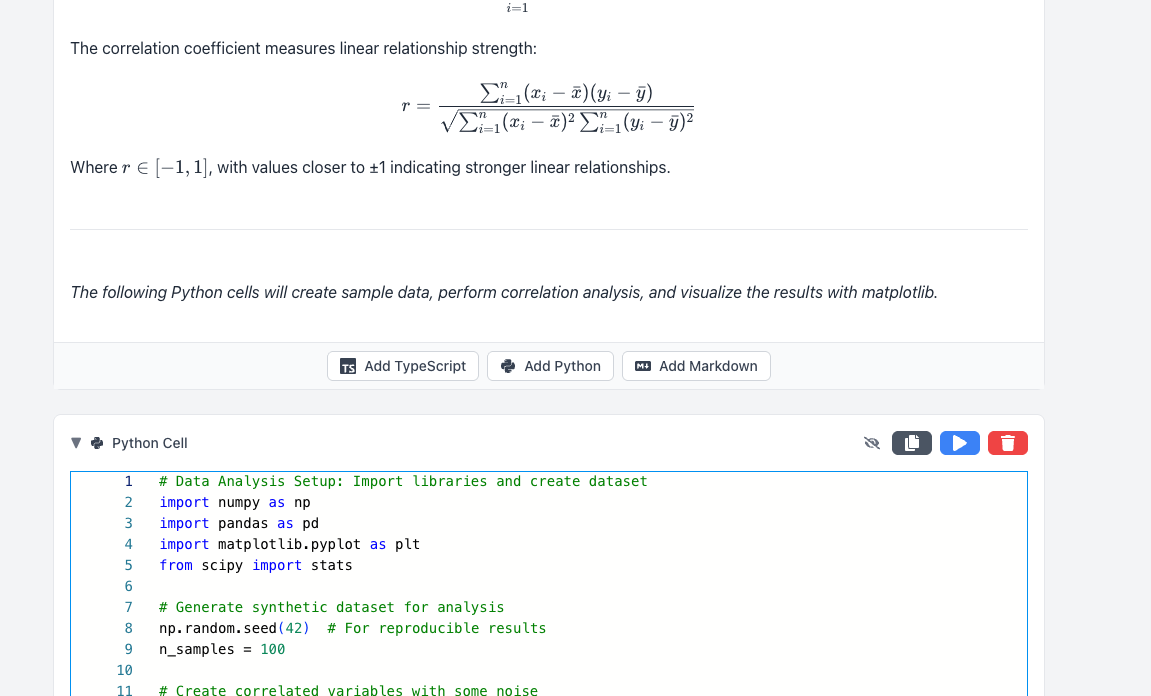
Code and explanation in the same file
GPDoc notebooks support Markdown narrative next to executable cells, so teams can explain the work while they run it. That is useful for:
- Data walkthroughs.
- Classroom exercises.
- API examples.
- Internal analysis notes.
- Customer education material.
The value is not only execution. It is the handoff from the code result to the document, slide, or published page that follows.
Keep the workflow open
A notebook that cannot be reviewed, exported, or reused creates another silo. GPDoc keeps notebook work close to open files and Git-based review, so teams can track changes and move content into other GPDoc surfaces.
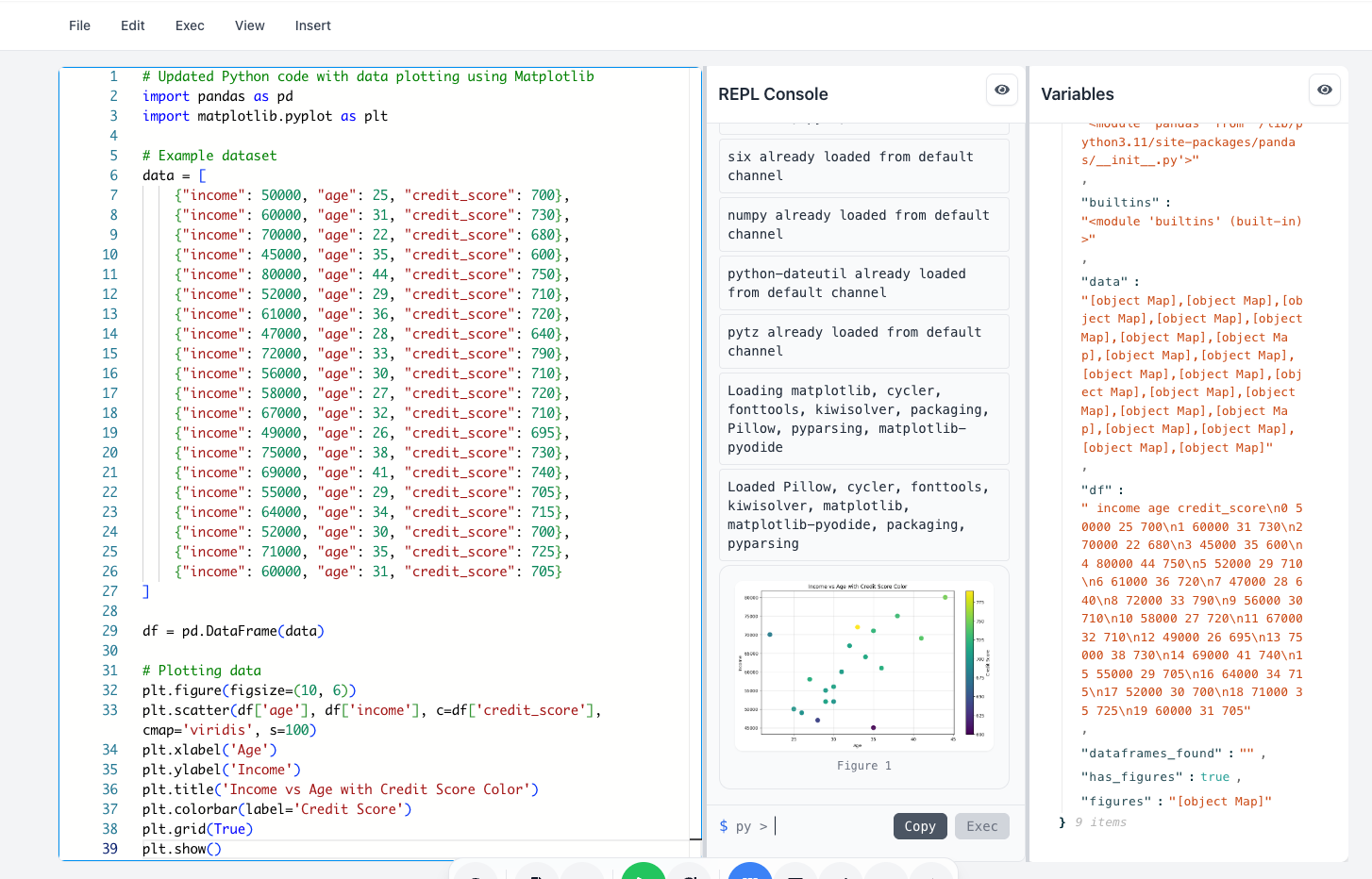
This makes notebooks more practical for shared work. An instructor can review an assignment, a data team can publish a result, and a developer advocate can turn an example into docs without copying the same content between tools.
From analysis to published content
When a notebook result is ready, the next step should be clear:
- Move explanation into a document section.
- Turn a workflow into a training slide deck.
- Export a static HTML version for readers.
- Keep the source file available for review and reuse.
GPDoc is a fit when the notebook is not the final destination. It is a step in a broader technical content workflow.
For more setup detail, see browser notebooks or the notebook sharing solution.
Related reading
Read more
Teach code with browser notebooks and GPDoc files
Use GPDoc for lessons that combine explanation, executable code, diagrams, slides, and review.
Read article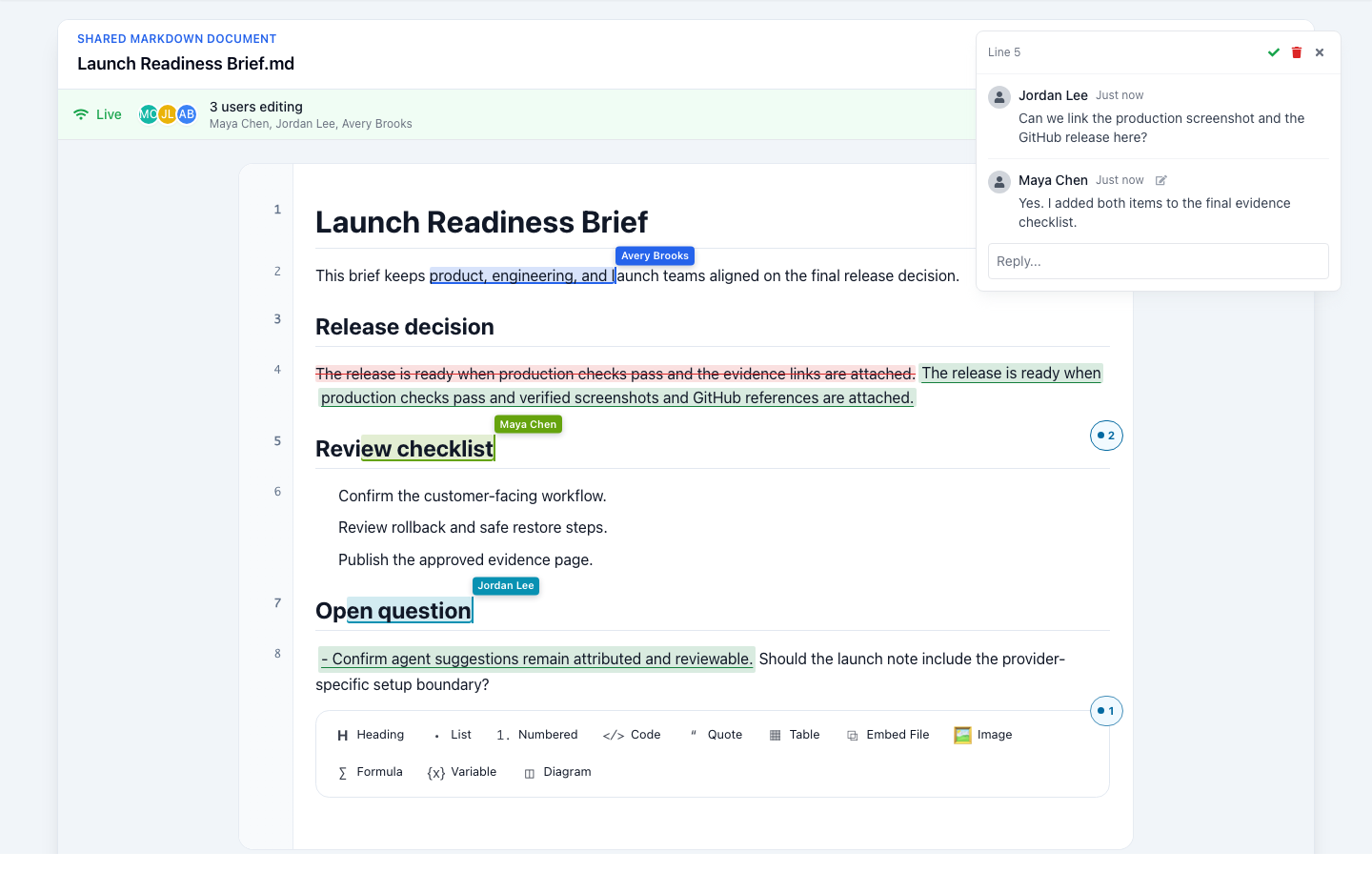
Start with a context file AI can work from
Capture the decision, sources, constraints, and next action in one reviewable Markdown file before asking AI to help.
Read article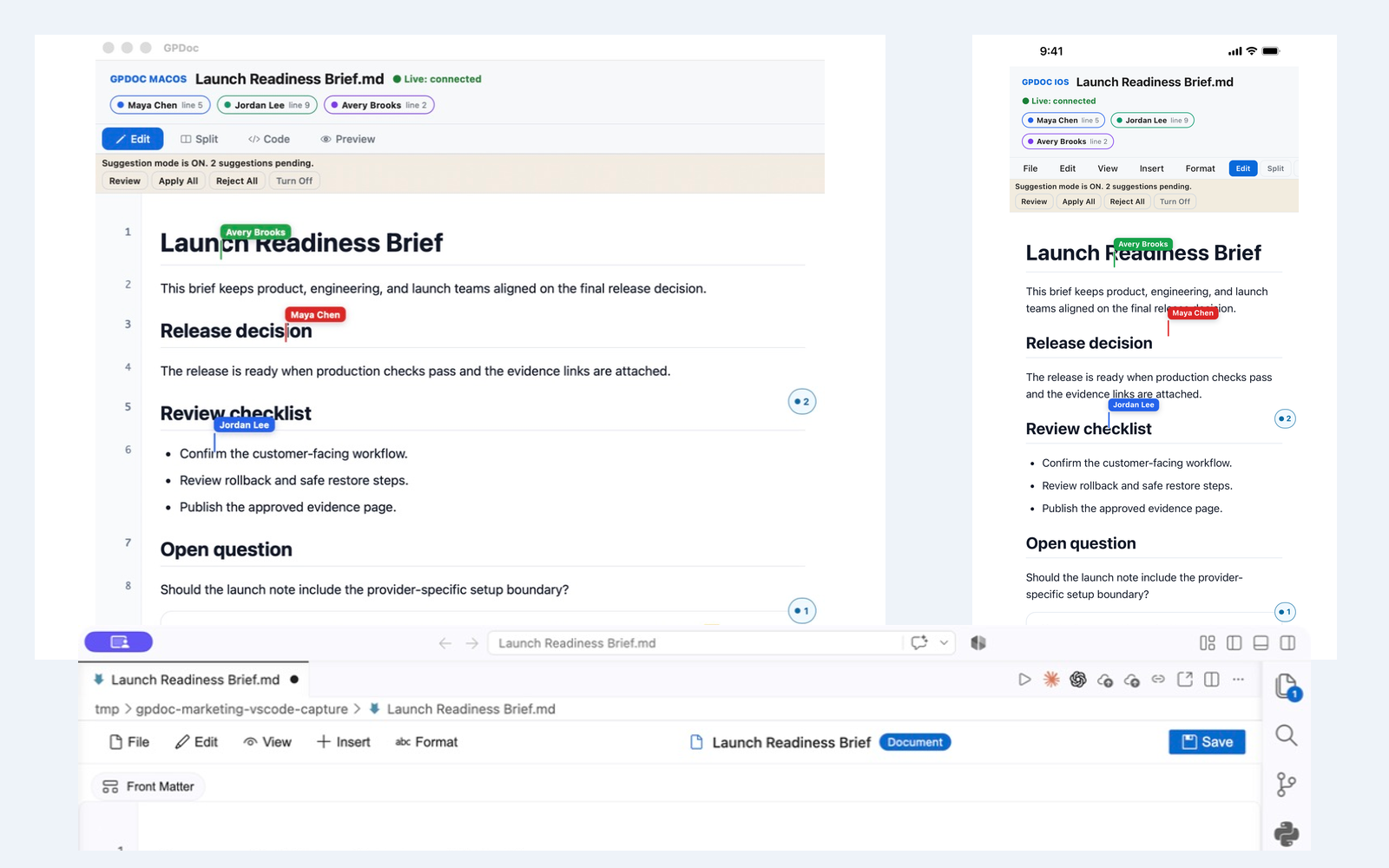
Live collaboration across web, VS Code, macOS, and iOS
Keep one open GPDoc file moving across supported surfaces while presence, cursors, comments, suggestions, and review state remain visible.
Read article