
Technical lessons need more than a handout
Teaching code usually means managing several artifacts: lesson notes, starter files, notebook exercises, diagrams, slides, grading notes, and published reference material.
GPDoc gives instructors one workspace for those materials so the lesson can move from source to class delivery to archived output.

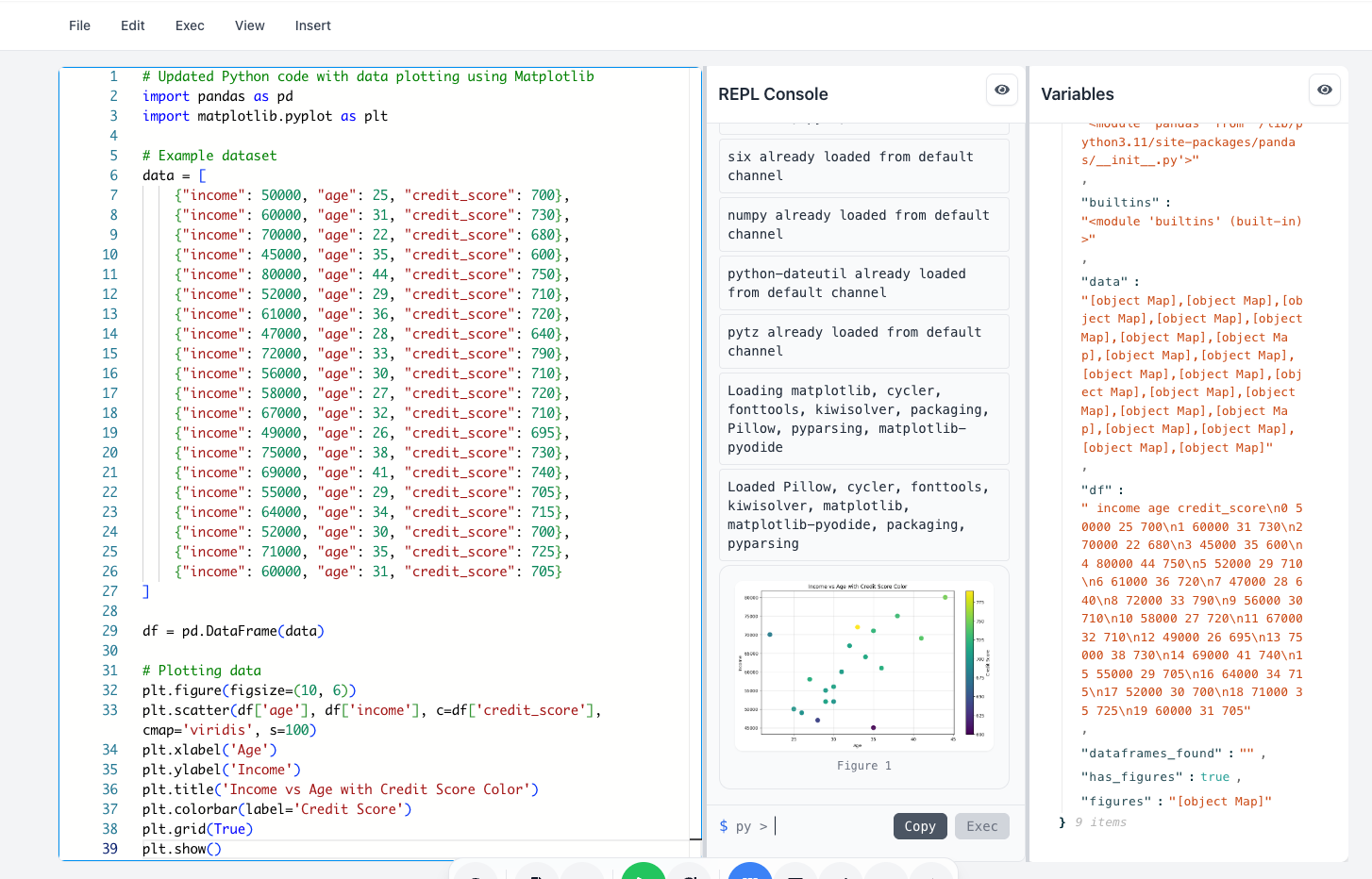
Combine explanation and execution
Students learn better when the explanation and the code stay close together. GPDoc notebooks and scripts can sit alongside Markdown explanation, diagrams, and slides.
That makes it easier to build lessons such as:
- A Python walkthrough.
- A TypeScript exercise.
- A CSV data analysis that runs in Python, JavaScript, or TypeScript.
- A data story with charts and notes.
- A systems lesson with diagrams and code.
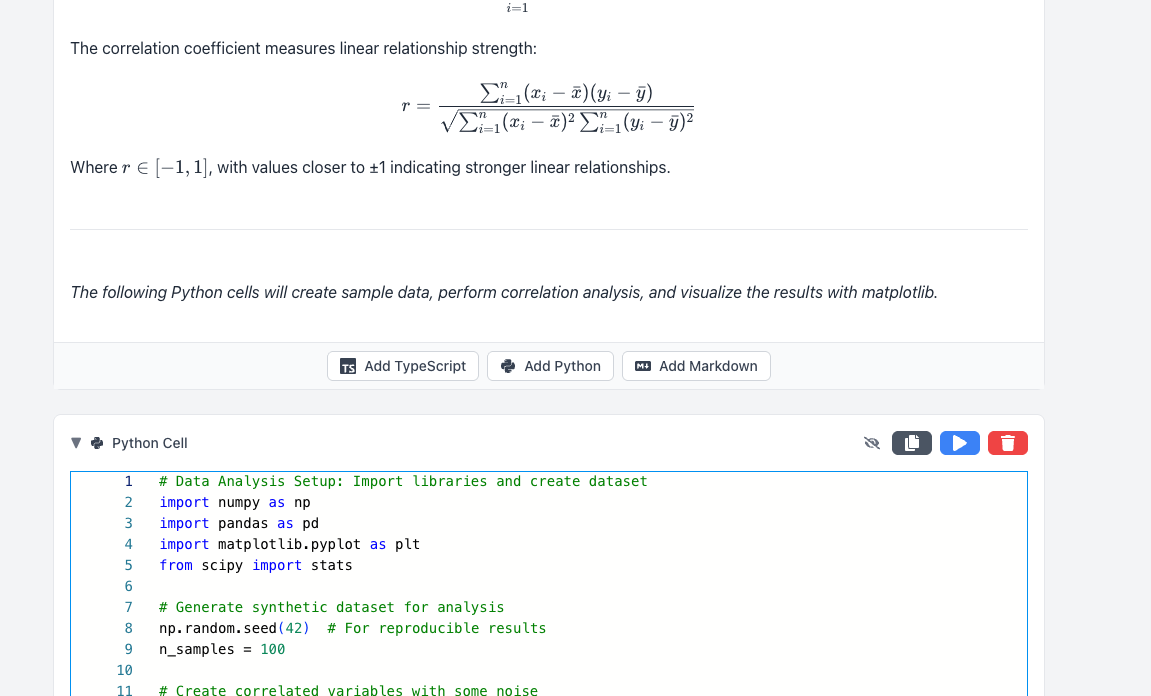
Keep the source reusable
Course content changes. A lesson may need a new example, a corrected diagram, or a different slide sequence for the next cohort.
When the lesson source lives in GPDoc, instructors can revise the source and regenerate the output instead of updating the same material in several places.
Review student and team work
For education teams, review can happen at more than one level:
- Review the lesson before publishing it.
- Review student submissions.
- Review team projects.
- Publish an approved version for the next class.
GPDoc fits classes that want students to work with a source-oriented process closer to professional engineering workflows.
Start small
Start with one module:
- Write the lesson narrative.
- Add a runnable code example.
- Include the diagram or table students need.
- Build a short slide sequence.
- Export the version students should receive.
Once that module works, use it as the pattern for the rest of the course.
For related workflows, see browser notebooks and developer education playbooks.
Related reading
Read more
Browser notebooks for technical docs and teaching
Use GPDoc notebooks when code, explanation, results, and publishing need to stay in one open workspace.
Read article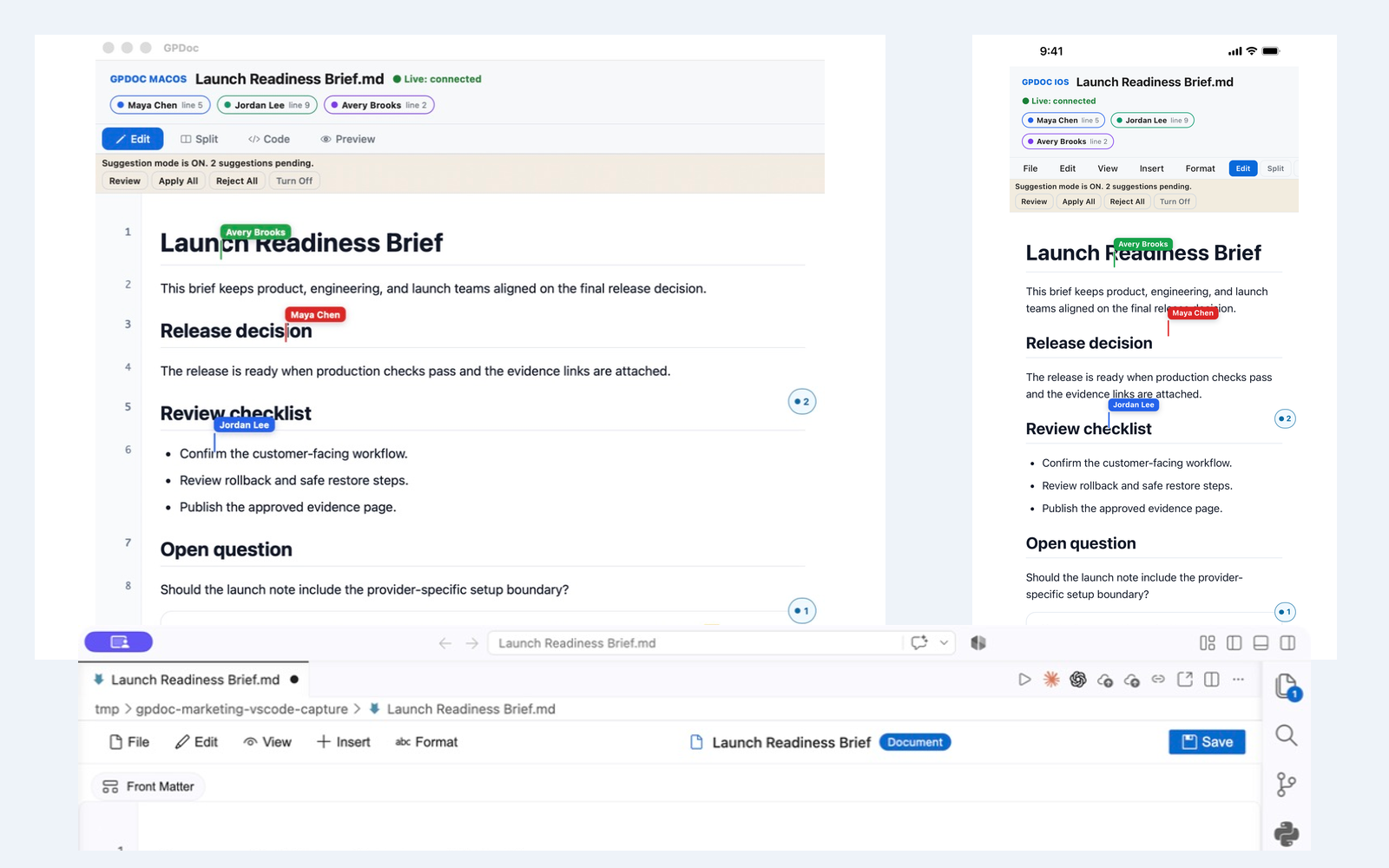
Live collaboration across web, VS Code, macOS, and iOS
Keep one open GPDoc file moving across supported surfaces while presence, cursors, comments, suggestions, and review state remain visible.
Read articlePrivacy-aware review workflows for technical content
How GPDoc helps teams control source files, review paths, and published output for sensitive documents.
Read article