
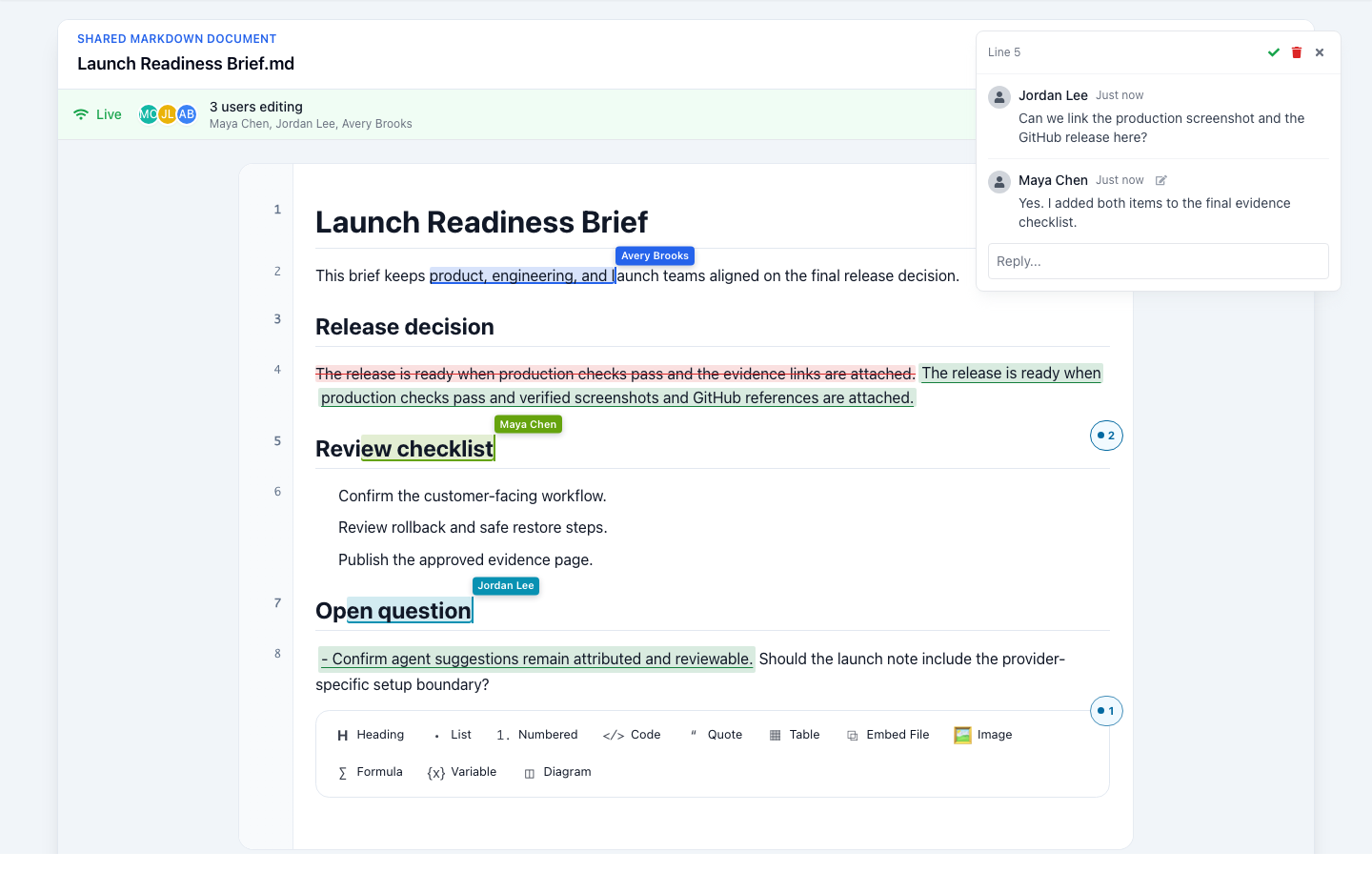
Short version
Give AI a source file with the current decision, supporting sources, constraints, and next action. The file remains useful after the prompt window closes.
A prompt is not working context
A blank prompt makes every task start from scratch. The assistant has no reliable record of what has already been decided, which source is current, what cannot change, or who owns the next step.
A context file fixes that. It is a small Markdown document that sits next to the work and gives the team a stable starting point. It can begin as a few headings and grow only when the work needs more detail.
Capture five things
Use a short file that answers these questions:
- What decision is being made? State the result the team needs.
- Which sources matter? Link the current brief, issue, research note, or source file.
- What constraints apply? Record deadlines, audience, factual limits, approvals, and format requirements.
- What is already known? Keep confirmed facts separate from open questions and assumptions.
- What happens next? Name the owner and next action.
For example:
# Release announcement context

## Decision
Prepare a customer-facing update for the verified collaboration release.

## Sources
- Product change summary: `release-notes.md`
- Reviewed screenshots: `docs/intent/marketing-site/evidence/`

## Constraints
- Describe only shipped behavior.
- Keep the update under 500 words.
- Product and support must review before publishing.

## Open questions
- Which supported surface should lead the announcement?

## Next action
Draft the update from these sources, then request product review.
The file does not need a special template. It needs enough structure for a person or an AI tool to understand the work without reconstructing it from chat history.
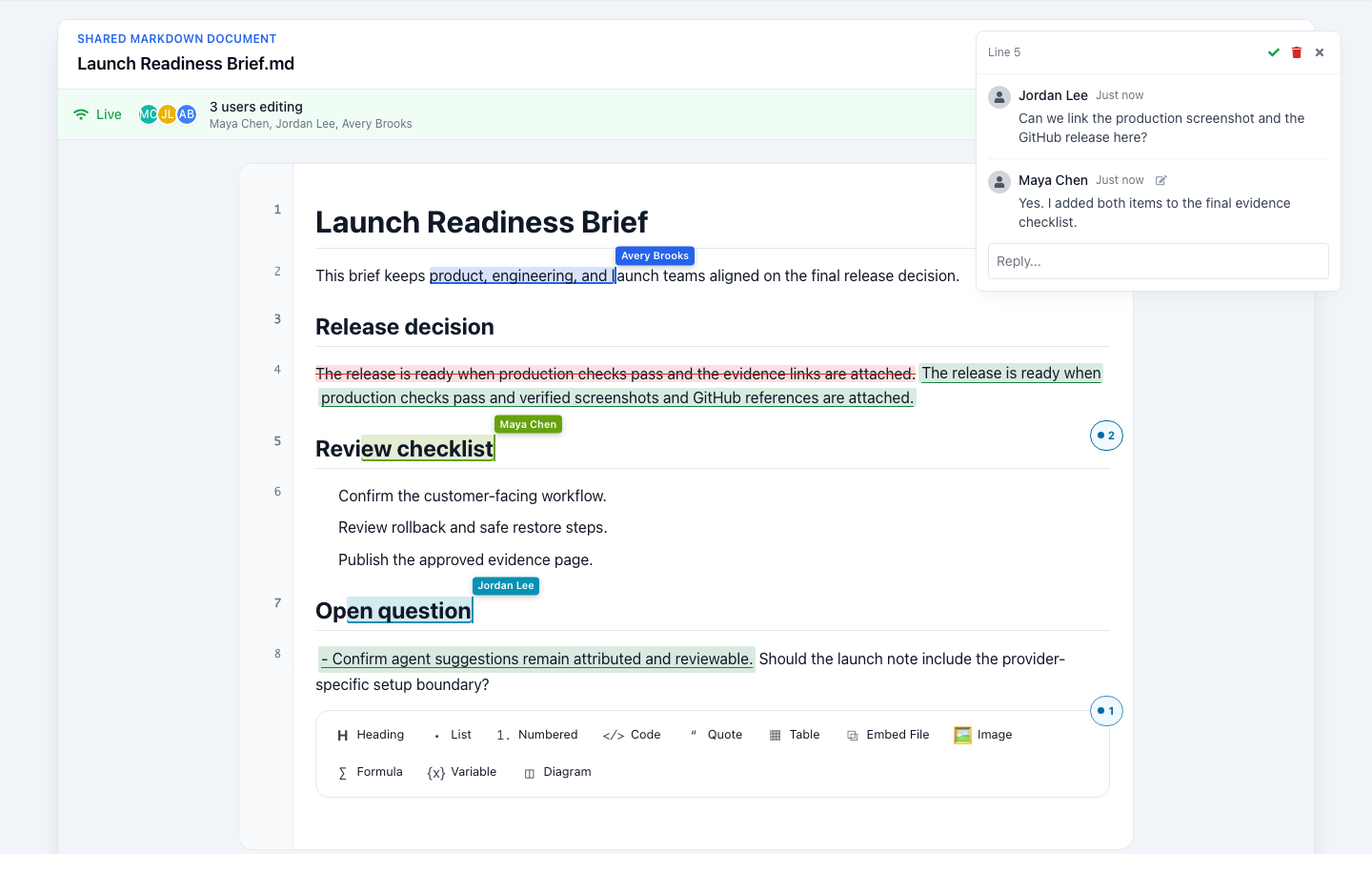
Use AI from the visible source
With the context file open, ask a configured AI tool to help with a bounded task: draft an outline, identify missing evidence, turn a decision into a customer update, or propose a revision. The reviewable Markdown source remains the record of the work.
That distinction matters. AI can help produce a first pass, but it should not replace source review, product judgment, or the approvals needed before publishing. Keep the relevant facts and proposed edits in the file where a teammate can inspect them.
Keep context close to the next output
The same context file can support several outputs. A launch brief can become a release note, a slide outline, a customer guide, or a publishing checklist. When the source changes, update the context before generating the next draft.
This approach also makes handoffs easier. A new reviewer can open the file, see the decision and sources, and continue without asking for a transcript of every earlier conversation.
Start with one useful file
Choose work that already has a decision and a handoff: a release note, design review, customer guide, research summary, or project brief. Put the five headings into a new GPDoc Markdown file and add the links you already use.
Then use GPDoc to draft, review, and keep the next version connected to the same source. Start with the GPDoc getting-started guide, or read how to use AI assistance without losing the source file.
Related reading
Read more
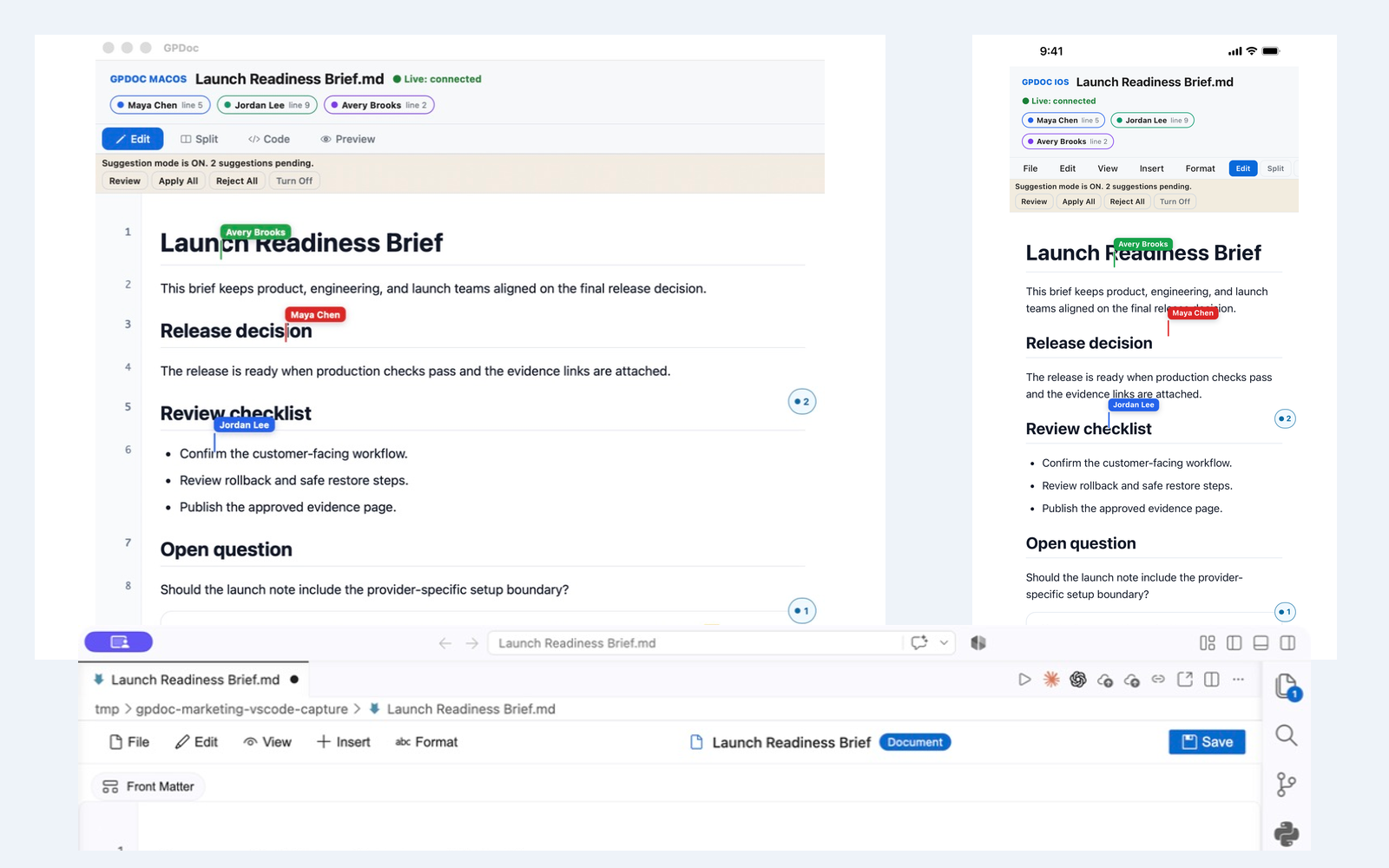
Live collaboration across web, VS Code, macOS, and iOS
Keep one open GPDoc file moving across supported surfaces while presence, cursors, comments, suggestions, and review state remain visible.
Read articleUse AI assistance without losing the source file
A practical GPDoc workflow for drafting, reviewing, and publishing technical content from open Markdown files.
Read articleTechnical docs with math, diagrams, and reusable structure
How GPDoc helps teams keep LaTeX, Mermaid diagrams, tables, and code close to the document source.
Read article