
Publishing should start from the reviewed source
Many teams still publish by copying content from a document into a CMS, another document, a slide deck, or a static site. That works once. It breaks when the content needs to be revised, reused, or audited later.
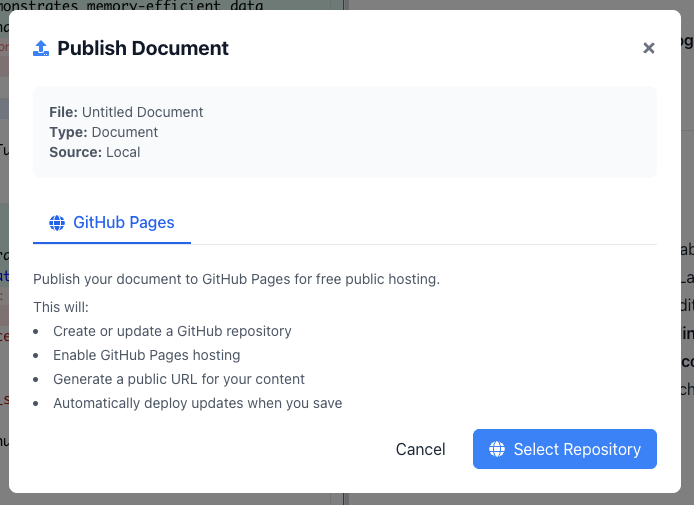
GPDoc is built around a simpler idea: keep the source file in the workspace, review it there, and export or publish from that source when the work is ready.
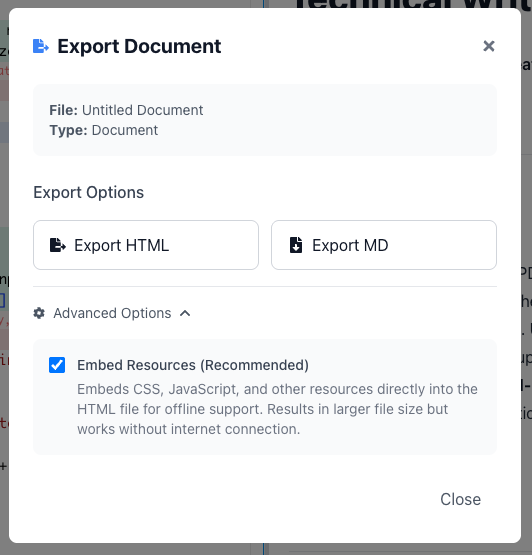
One source, several outputs
Technical content rarely has only one audience. The same work may need to become:
- Markdown for a developer hub.
- HTML for a docs site or launch page.
- PDF for a customer or compliance packet.
- Slides for an internal review.
- Static files for GitHub Pages or a separate hosting provider configured outside GPDoc.
GPDoc helps teams keep those outputs connected to the source instead of rebuilding each one manually.
Why structure matters
When content has structure, exports are easier to trust. Headings, code blocks, tables, diagrams, and metadata can move into the output with less manual cleanup.
That matters for technical work because a formatting mistake can become a support issue, a broken guide, or a confusing customer handoff.
Use publishing as part of the workflow
Publishing should not be a final scramble. A cleaner workflow looks like this:
- Draft the source in GPDoc.
- Review the document, notebook, slide deck, or diagram.
- Export a preview for the intended audience.
- Publish the approved output.
- Keep the source ready for the next edit.
Good fit workflows
This model works well for:
- Product documentation.
- Release notes.
- Technical papers.
- Training programs.
- Consulting deliverables.
- Customer onboarding guides.
For setup, see publishing exports, custom-domain publishing, or GitHub publishing.
Related reading
Read more
Use GPDoc with Google Docs and Slides
How technical teams can keep Google Workspace compatibility while moving technical source content into open GPDoc files.
Read articleLocal-file workspaces for technical teams
How GPDoc keeps open source files at the center while separating local editing from network-dependent services.
Read articleUse AI assistance without losing the source file
A practical GPDoc workflow for drafting, reviewing, and publishing technical content from open Markdown files.
Read article