
Slides are usually downstream of other work
Technical decks rarely start from nothing. They start from a product brief, architecture note, notebook result, customer story, or launch plan.
GPDoc's slide workflow is useful because those inputs can stay in the same workspace as the deck. The team can reuse content without copying it into a separate presentation file and losing the source.
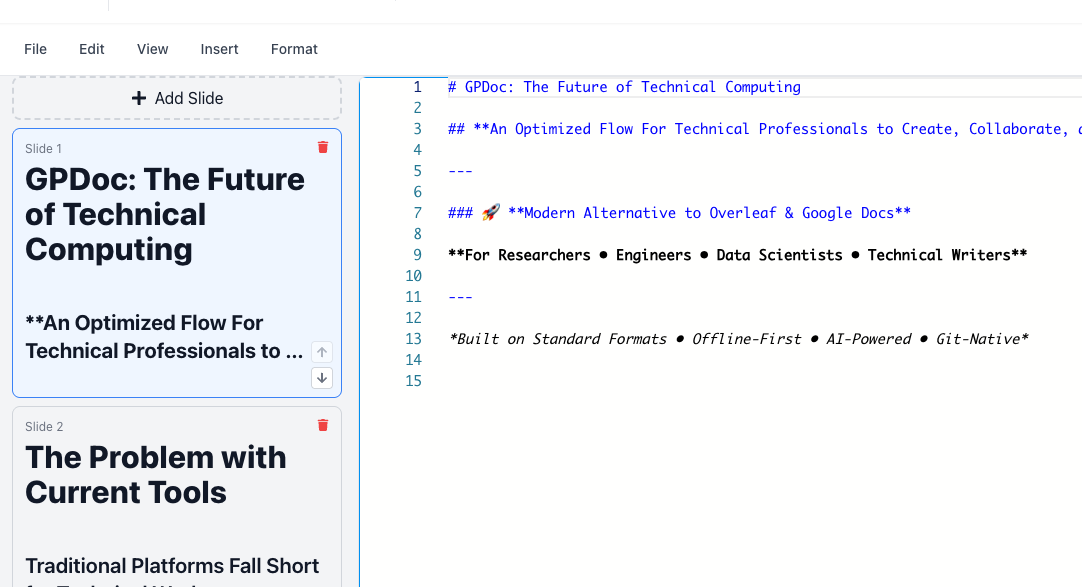
Keep docs and decks aligned
When a guide and a deck explain the same workflow, they should not drift. GPDoc helps teams keep slide content close to documents, diagrams, tables, and code examples.
That is useful for:
- Product launch reviews.
- Developer education.
- Customer onboarding.
- Technical sales enablement.
- Research and data presentations.
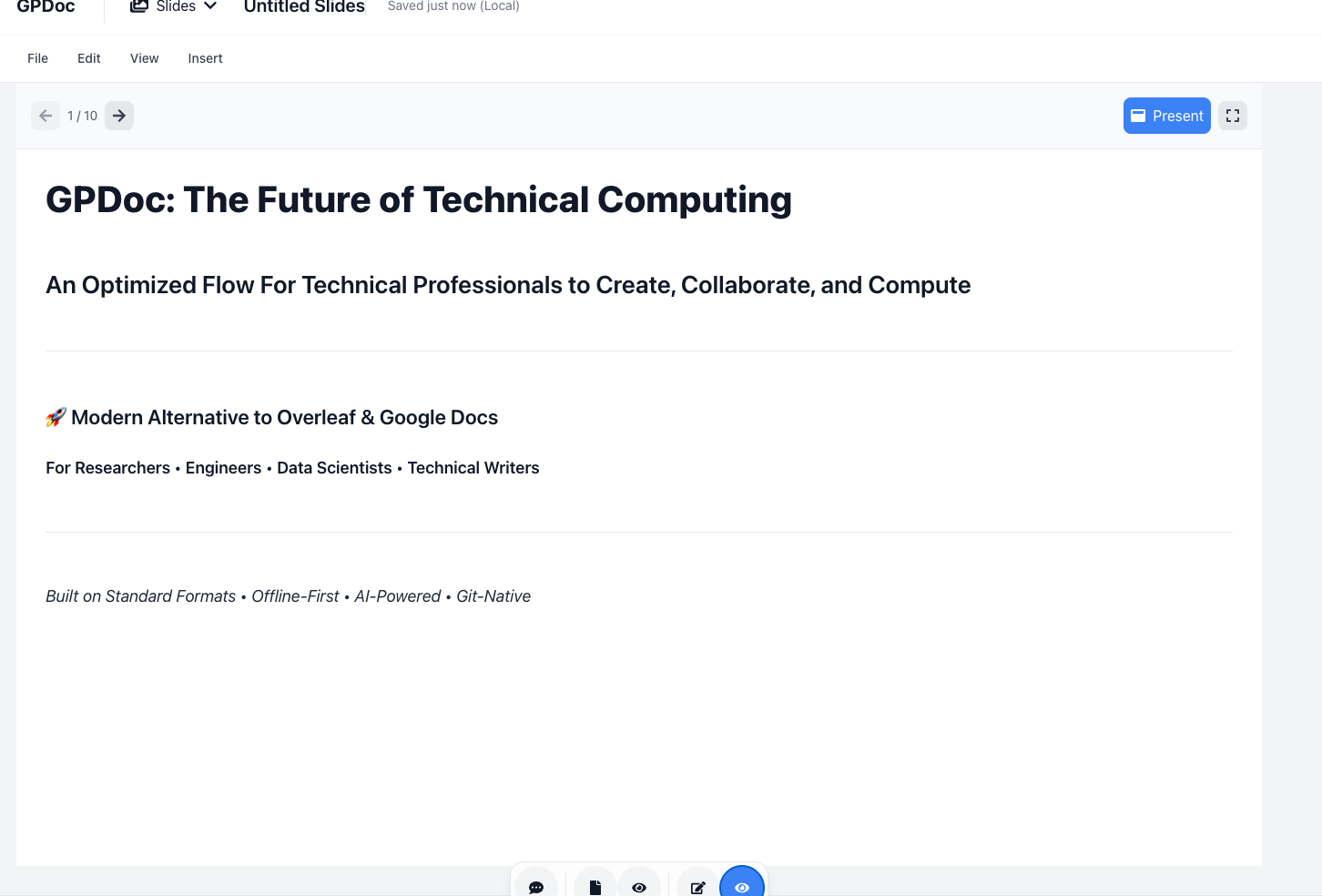
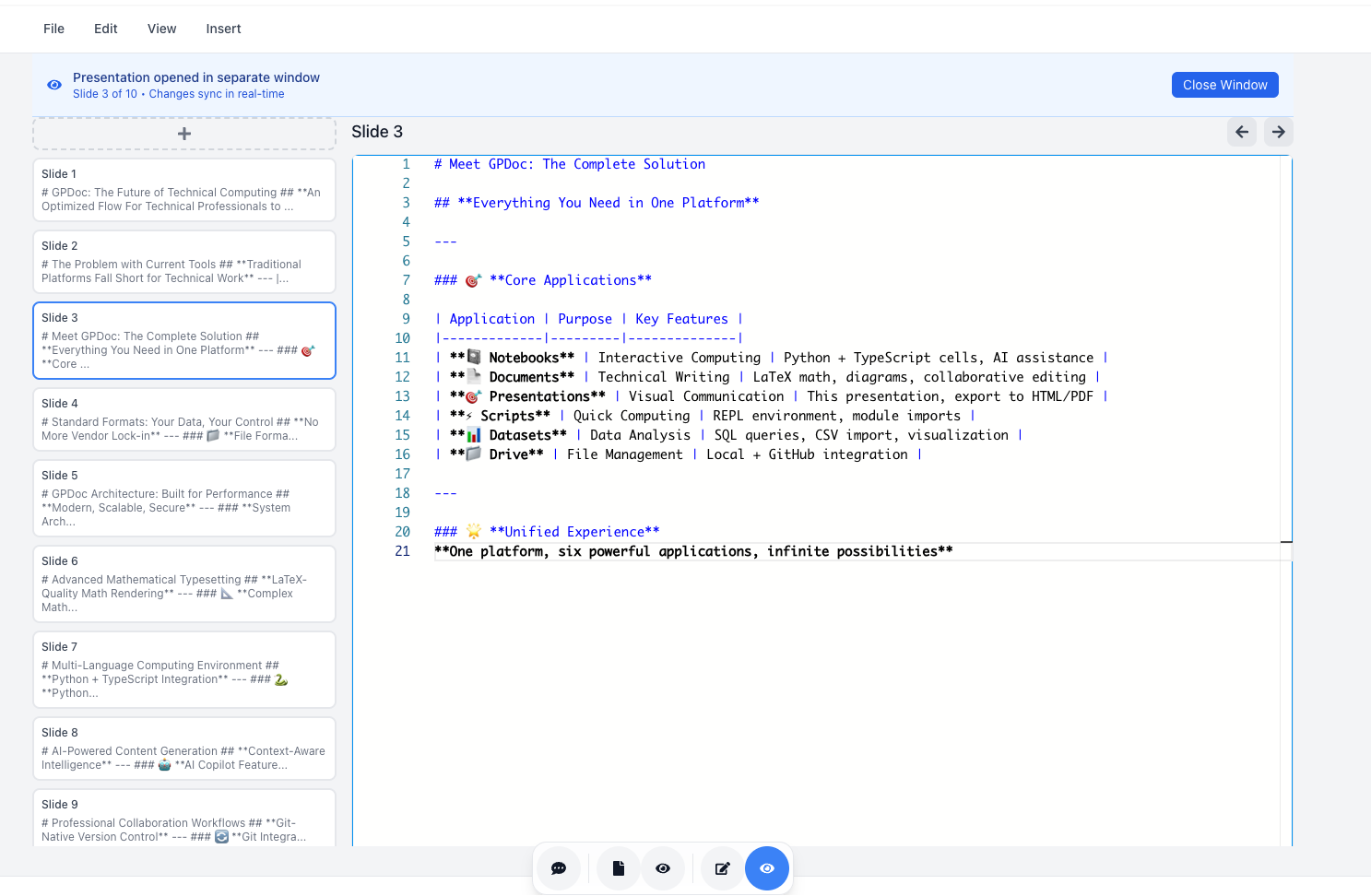
Review the deck like technical content
A technical deck can include claims, architecture, pricing context, customer commitments, or code. It needs review just like a document.
GPDoc keeps slides in the same source-oriented workflow, so reviewers can see what changed and teams can update the source later.
Publish or export for the audience
The final deck may need to become HTML, a PDF handout, or a shareable presentation. GPDoc is designed to keep those outputs tied to the source so updates do not require rebuilding the deck in another tool.
Start with one reusable deck
The best first deck is one the team updates repeatedly:
- A roadmap review.
- A product launch briefing.
- A technical onboarding session.
- A quarterly customer training deck.
Build it in GPDoc, review it with the source content nearby, and publish the output from the same workspace.
For related setup, see slide composer or technical presentations.
Related reading
Read more
Use AI assistance without losing the source file
A practical GPDoc workflow for drafting, reviewing, and publishing technical content from open Markdown files.
Read articlePublish GPDoc content without copying it by hand
Move documents, notebooks, slides, and diagrams from source files to web pages, PDFs, and static output.
Read article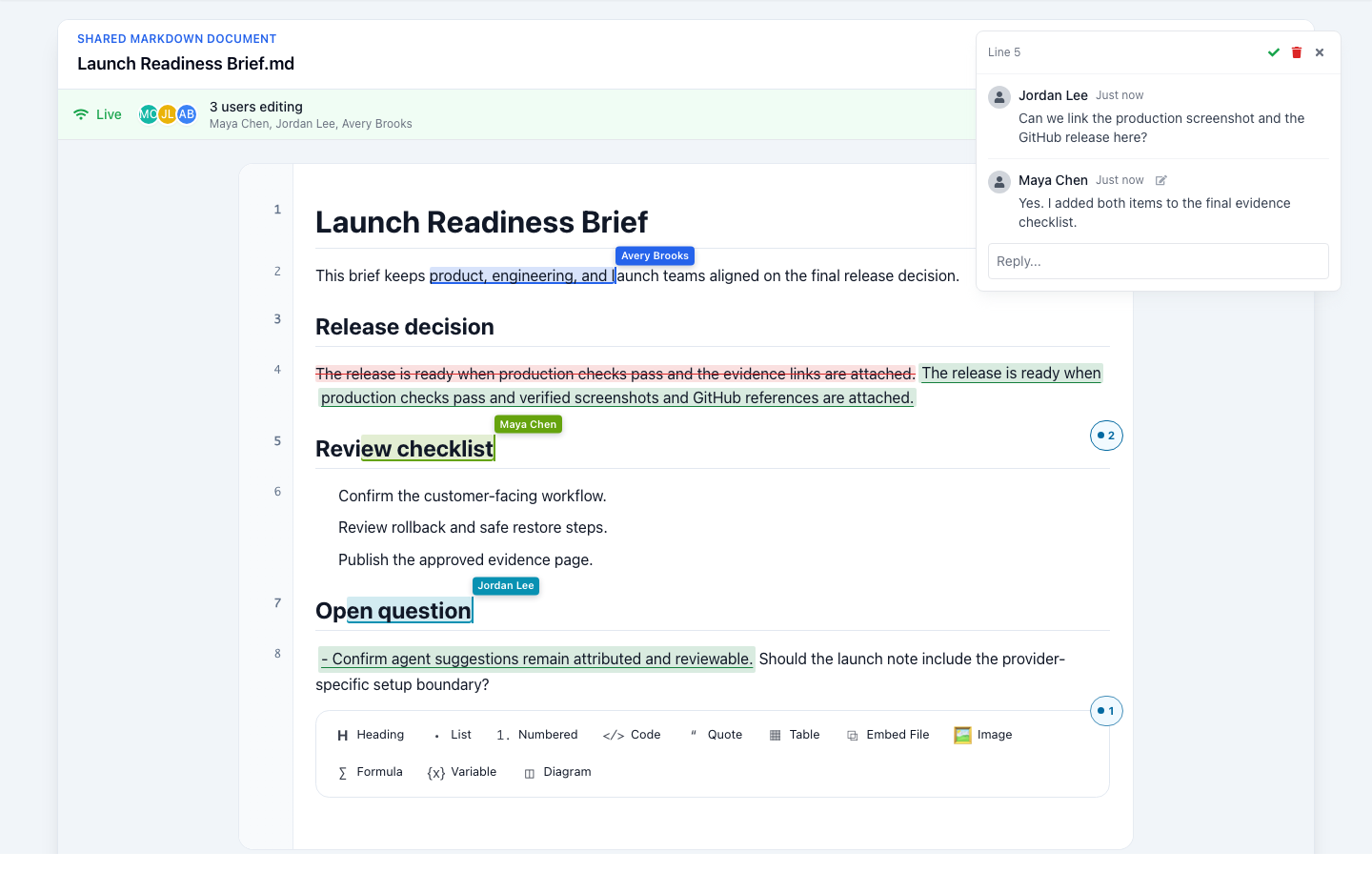
Start with a context file AI can work from
Capture the decision, sources, constraints, and next action in one reviewable Markdown file before asking AI to help.
Read article